
Come see what Traxis is all about
BIG data
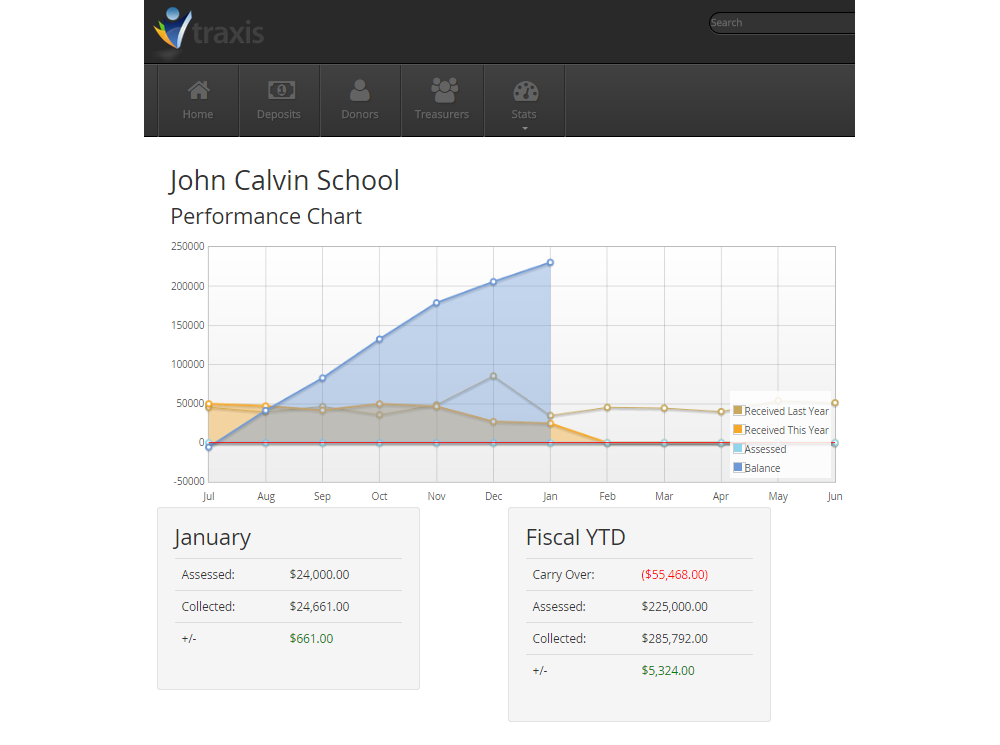
Traxis is full of ways for you to view and analyze your data. Charts and graphs let you analyze the progress toward your goals, and reports let you see all the numbers that matter.
User friendly
With simple layouts and a clean design, Traxis eliminates the clutter so you can focus on what you need to do.
Harness the power of your people
Traxis allows your Finance Committee or Church Treasurers to enter the information that pertains to them, streamlining the process of overseeing the financial big picture.
Time-Tested
Traxis is a proven winner, having been in use for over 15 years.
We’re on the Web. Just like you are.
Traxis is web-based. That means you can access it from anywhere with an Internet connection. It also means you always get the latest updates and improvements.
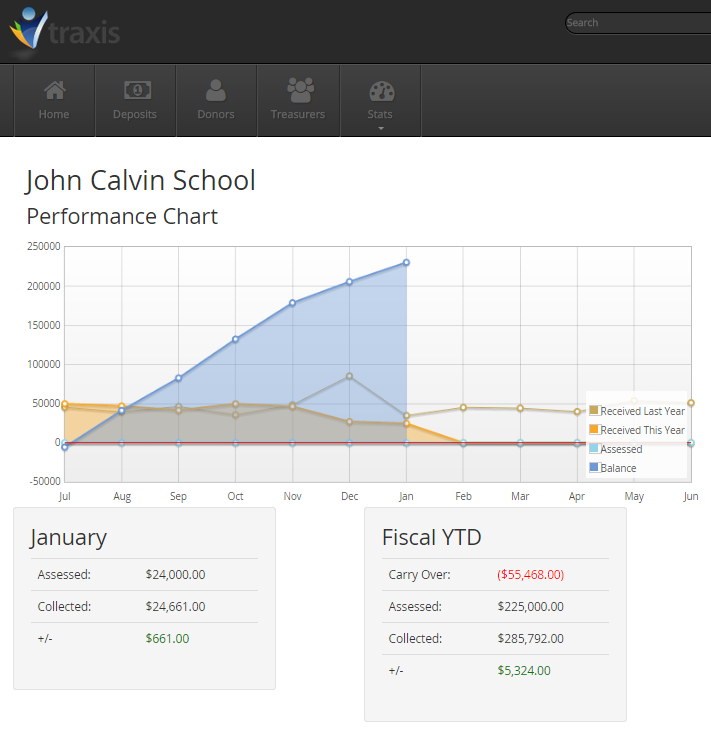
Data analysis
Charts and graphs let you keep on top of your progress.
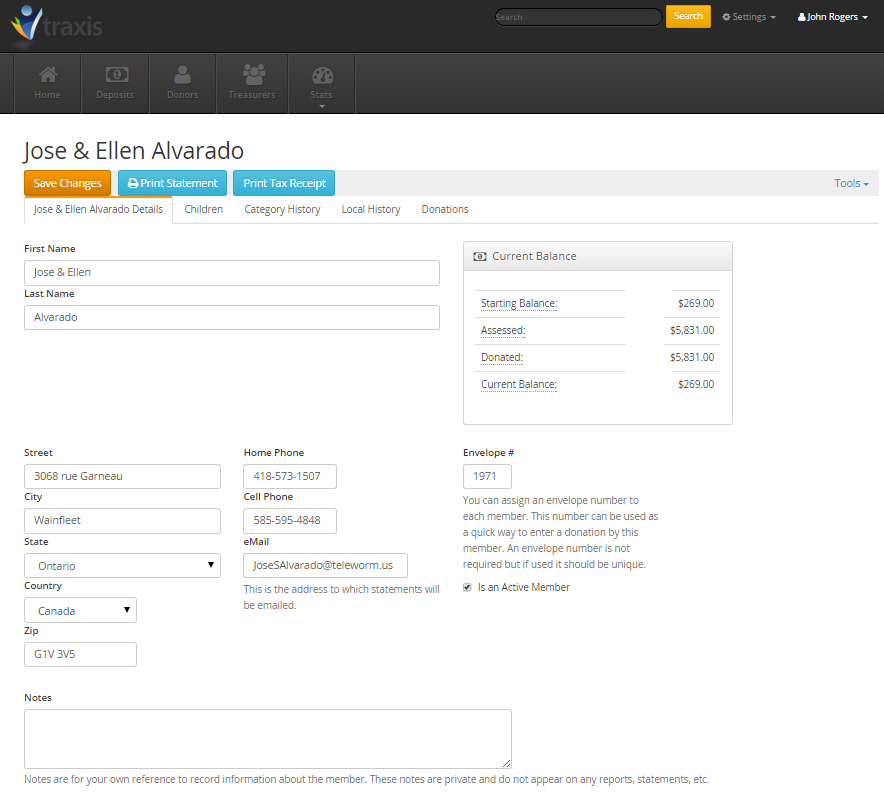
Donors and Members
Keep track of your donors and members. Email statements, and have all the information you need, at your fingertips.
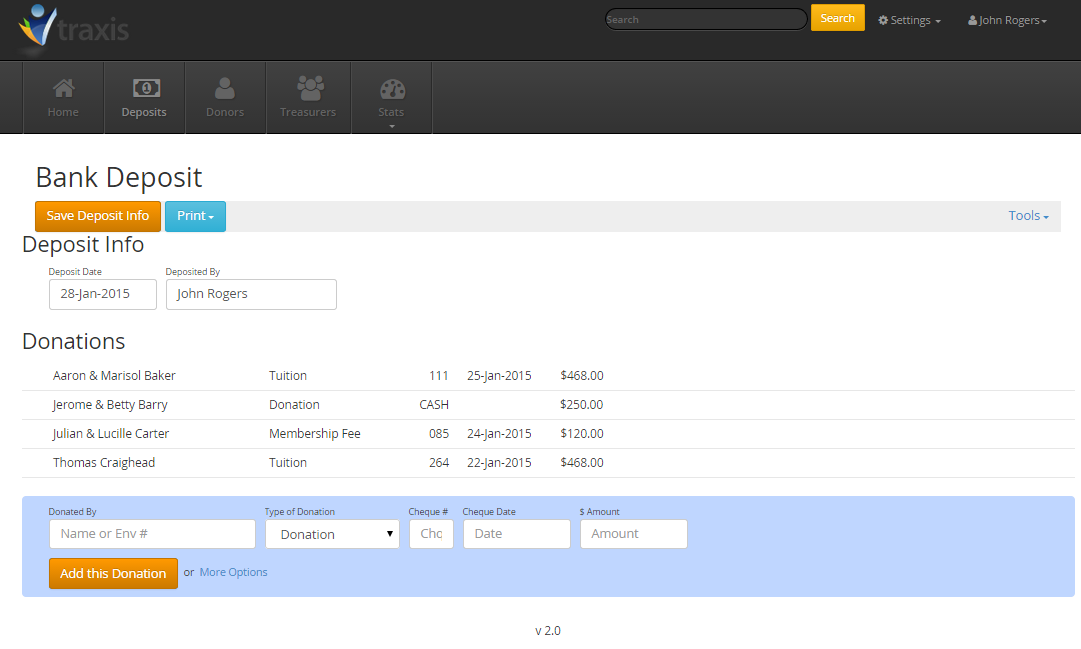
Deposits
Bank deposits allow you to keep track of all of your members’ donations. And Traxis’ Pre-Authorized Payment entry allows you to create deposit entries for all your PAPs and Staff Salary Deductions at the click of a button.